What size sheet should I start with?
Blank diameter calculation helps you determine the diameter of the starting sheet before forming.
NO INSTALLATION. JUST YOUR BROWSER.
Upload your DXF drawing. Prepare toolpaths in seconds, review them on screen and export G-code. All on the web, in one workspace.
No account is needed to request early access. The CAM workspace is for existing users.
See how it works in 30 seconds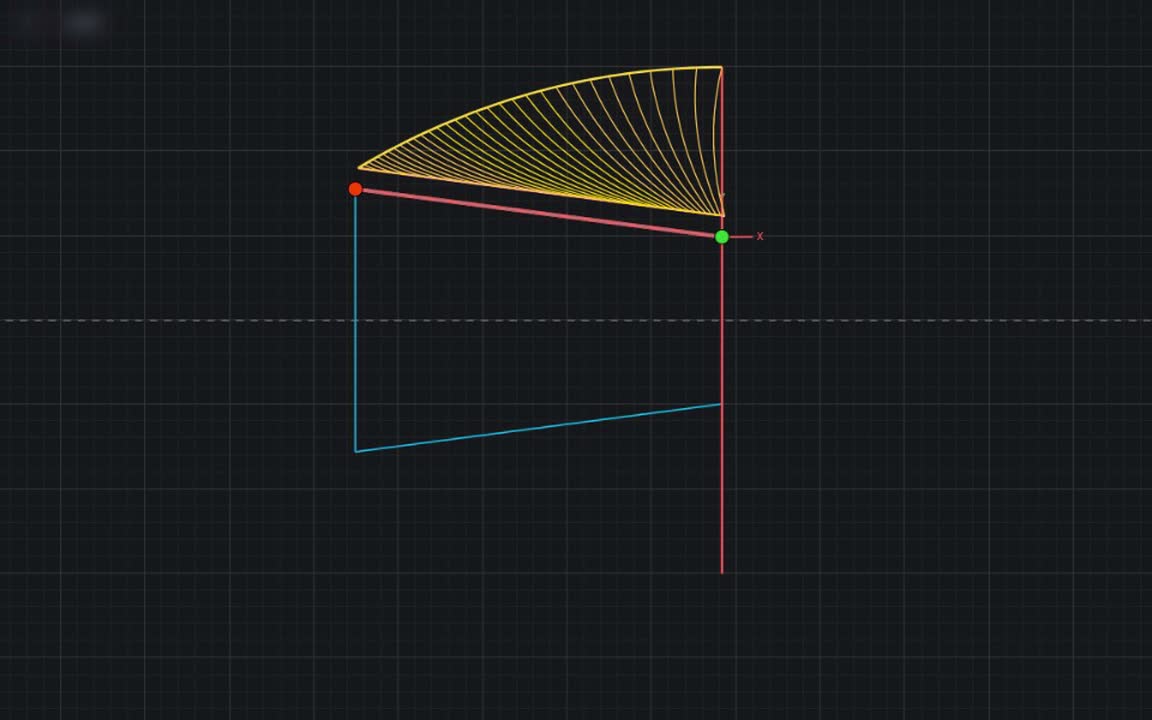
SEE IT IN ACTION FIRST
A real application workflow, from opening a drawing to simulation. See what to do and what you get.
Explore the stepsWHAT DO I DO?
DXF is your part drawing file. G-code is the movement program you prepare for your CNC machine.
Upload a DXF file. Select the material and mark the start and end points for your work.
INPUT: DXF DRAWINGPrepare passes with automatic die setup. Adjust settings and paths to suit your work.
AUTOMATIC + MANUALSee how the tool will move in simulation. Make the necessary edits on the same screen.
VISUAL REVIEWGenerate and download a CNC program for your machine profile. Validate it on your machine before production.
OUTPUT: CNC PROGRAMMove your work forward on one screen instead of switching between files and programs.
MORE THAN DRAWING LINES
Advanced algorithms bring together blank calculations and process guidance based on your geometry, material and settings.
Blank = the starting sheet before spinning.Blank diameter calculation helps you determine the diameter of the starting sheet before forming.
Review annealing guidance and warnings for the material and forming conditions, and make more informed process plans.
Decision support, to be used with expert assessment of the material and production conditions.
KEEP CONTROL
Use Manual Edit to change lines, arcs and toolpaths in the workspace. Reduce the need to switch to a separate 2-axis CAD program for small changes.
YOU MAY BE WONDERING
No. The CAM workspace opens in your web browser. You need an internet connection, an account and approved CAM access.
Upload your existing DXF. Manual tools let you change lines and arcs in the same workspace, reducing the need for separate 2-axis CAD. You can continue using your CAD tools for complex design work.
Automatic toolpath preparation can return results in seconds. Time depends on drawing complexity, pass count and settings. Review, manual editing and machine validation take additional time.
Complete the early access request form. No account is needed; we will contact you to discuss your needs. Early access is limited to a number of companies. Pricing options and online payment are not available yet.
Have an expert review it for your machine, tooling and workholding conditions first. On-screen simulation does not replace physical machine validation.
CONTACT US FOR EARLY ACCESS
Send your name or company name, contact details and requirements. We are working with a limited number of companies during early access; let’s discuss the next step together.